
The Invisible Highway of Web Communication and Data Flow
HTTP: The Application-Layer Protocol Enabling Structured Client–Server Data Exchange
First Listen: let your ears lead the way before your mind takes notes.
📻 FZ2CCNA Radio:
Then read: let your eyes explore before your mind starts to explain.
HTTP and HTTPS: Understanding the Web’s Conversation System
Throughout this section, I’ll use one single analogy to explain HTTP, HTTPS, and the request–response cycle:
Think of a web server as a restaurant, the browser as a customer, and HTTP as the waiter taking orders and bringing food.
- The customer (browser) wants something.
- The waiter (HTTP) carries the messages.
- The kitchen (server) prepares the resources.
- The meal (response) is brought to the customer.
Using this analogy, I’ll walk through every aspect of HTTP: the roles, messages, methods, status codes, and secure communication.
What Is HTTP?
HTTP stands for Hypertext Transfer Protocol.
It is the method—the waiter—responsible for delivering messages between the browser and the web server.
The waiter walks between tables (clients) and the kitchen (server), carrying requests and bringing back meals.
Key Characteristics of HTTP
- Stateless – The waiter forgets previous orders; every request is new unless additional mechanisms (like cookies) exist.
- Text-based – Human-readable instructions.
- Request/Response model – The browser must request before receiving anything.
- Runs over port 80 by default.
Why stateless?
Each message stands alone. This makes the protocol simple and scalable, just like a waiter who doesn’t need to remember every past visit of every customer.
What Is HTTPS?
HTTPS stands for Hypertext Transfer Protocol Secure.
It’s simply HTTP with a protective layer of encryption using TLS (Transport Layer Security).
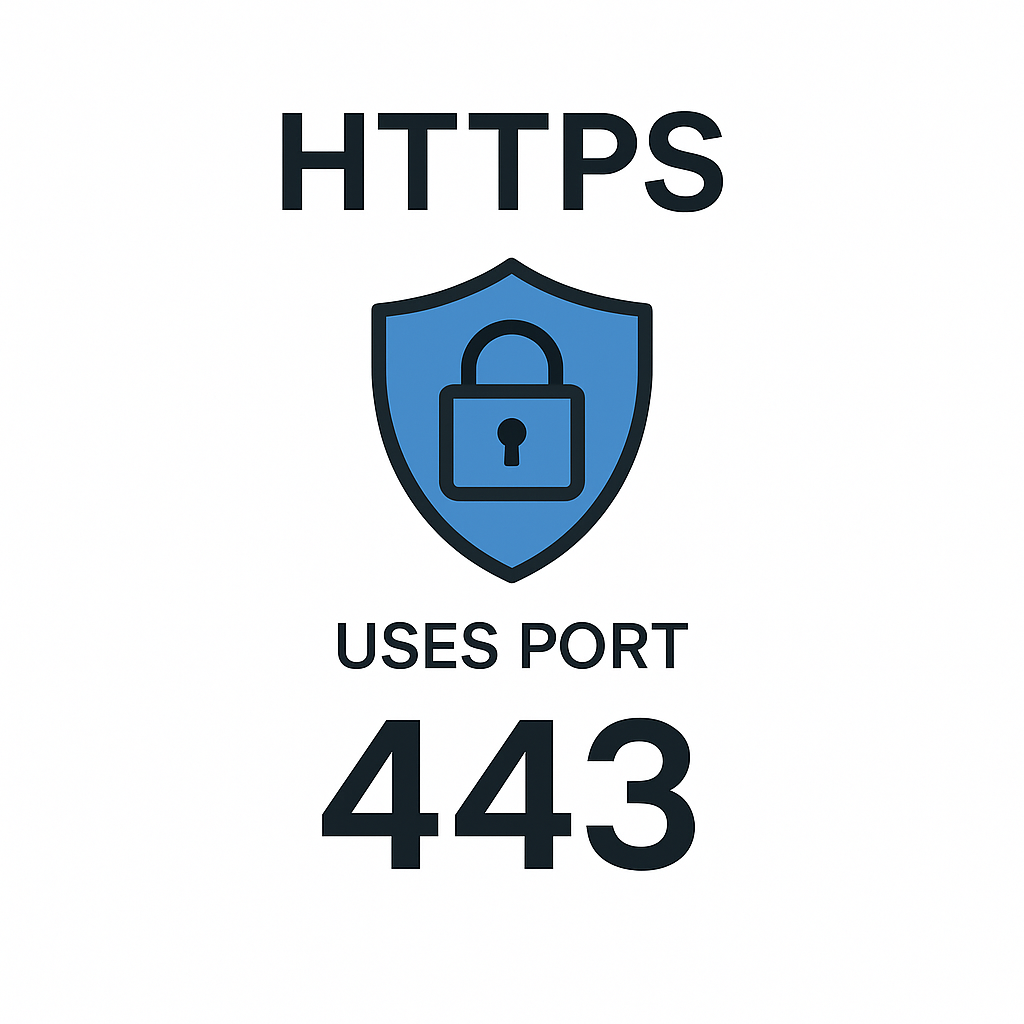
Imagine the waiter now carries your orders and meals inside a private room, so no eavesdropper can see or modify what you asked for or what you received.
HTTPS provides:
- Confidentiality – No one can read the data.
- Integrity – No one can modify the data unnoticed.
- Authentication – Digital certificates certify the restaurant is genuine.
HTTPS uses port 443
The HTTP Request–Response Cycle
This is the core of how the web works.
- The customer (browser) tells the waiter (HTTP):
Please bring me the menu, or
Bring me dish #5, or
Update my reservation, etc. - The waiter takes the order to the kitchen (server).
- The kitchen prepares a response.
- The waiter brings the dish back to the customer.
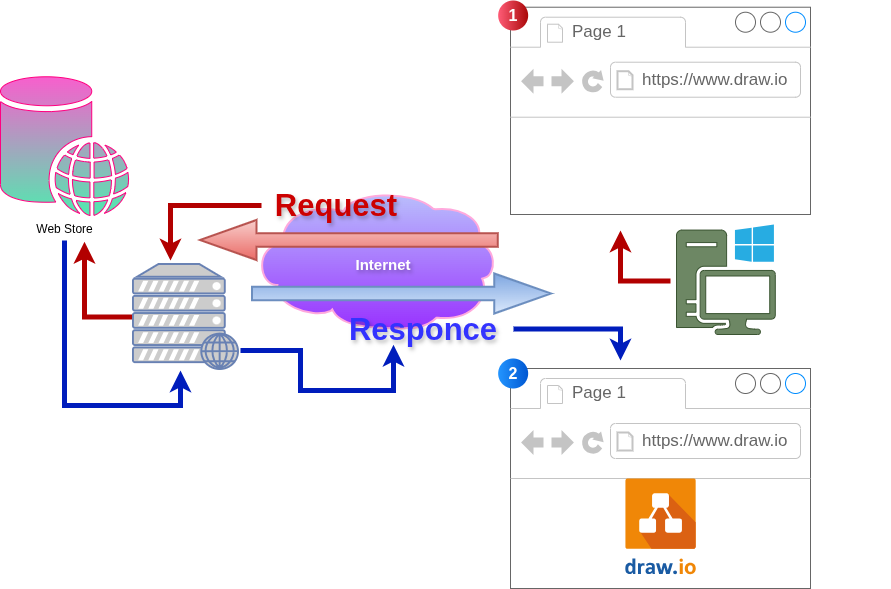
Every visit to a website involves this cycle repeated many times.
HTTP Request Structure
A request includes:
- Request line
- Method (GET, POST, etc.)
- Path (/index.html)
- Protocol version (HTTP/1.1)
- Headers
- Metadata about the request.
- Optional body
- Data sent to the server (like form information).
Example Request
GET /index.html HTTP/1.1
Host: www.example.com
User-Agent: Chrome
Accept: text/html
HTTP Response Structure
A response includes:
- Status line
Example: HTTP/1.1 200 OK - Headers
- Body (optional) – The actual data (HTML, JSON, image, etc.)
Example Response
HTTP/1.1 200 OK
Content-Type: text/html
<html>...</html>
HTTP Methods (GET, POST, PUT, DELETE)
These are the instructions customers give to the waiter.
GET — Bring me that item.
The browser asks for information: I’d like to see the dessert menu.
No changes occur on the server.
Common uses:
- Downloading pages
- Fetching images
- Loading scripts
Characteristics:
- No body in request
- Safe and idempotent (same result each time)
Example GET request
GET /products HTTP/1.1
Host: example.com
POST — Please submit this information.
Used to send data to the server: I want to place a new order and here’s the details.
Uses:
- Logins
- Form submissions
- Creating records
Characteristics:
- Has a body
- Not idempotent (each call may create a new item)
Example POST request
POST /orders HTTP/1.1
Host: example.com
Content-Type: application/json
{“item”:”Pizza”, “size”:”Large”}
PUT — Replace this item exactly with this new data.
Please replace my reservation with these updated details.
Used to update a resource entirely.
Characteristics:
- Idempotent
- Usually includes a full representation of the updated resource
DELETE — Remove this item.
Please cancel my order.
Deletes a resource on the server.
Characteristics:
- Idempotent
- No body in response is necessary
Important HTTP Status Codes (200, 301, 404, 500)
These codes act like the restaurant’s quick messages about the order status.
200 — OK
The kitchen prepared your meal successfully.
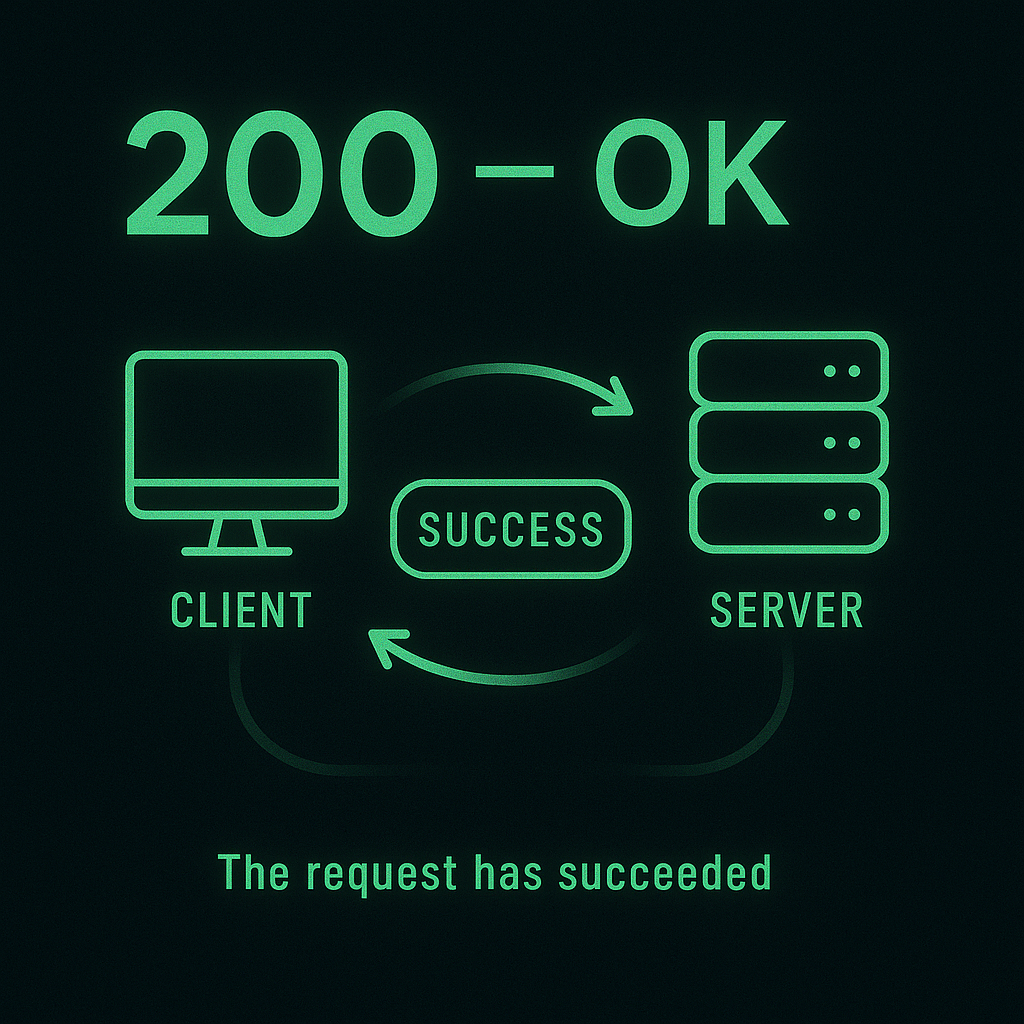
The request was processed perfectly.
301 — Moved Permanently
That dish is no longer available at this location. We have moved it to another part of the menu.
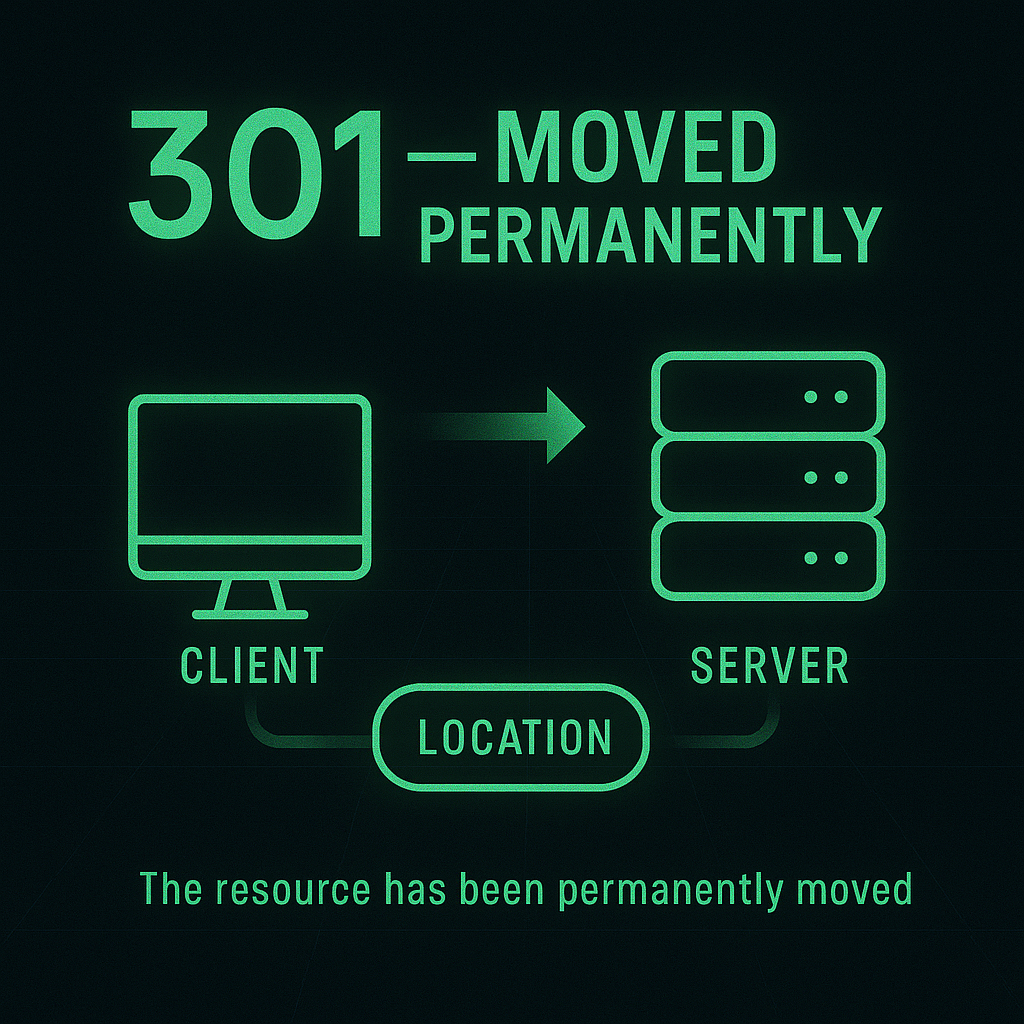
A permanent redirect.
Browsers should update bookmarks.
404 — Not Found
We can’t find the item you asked for.
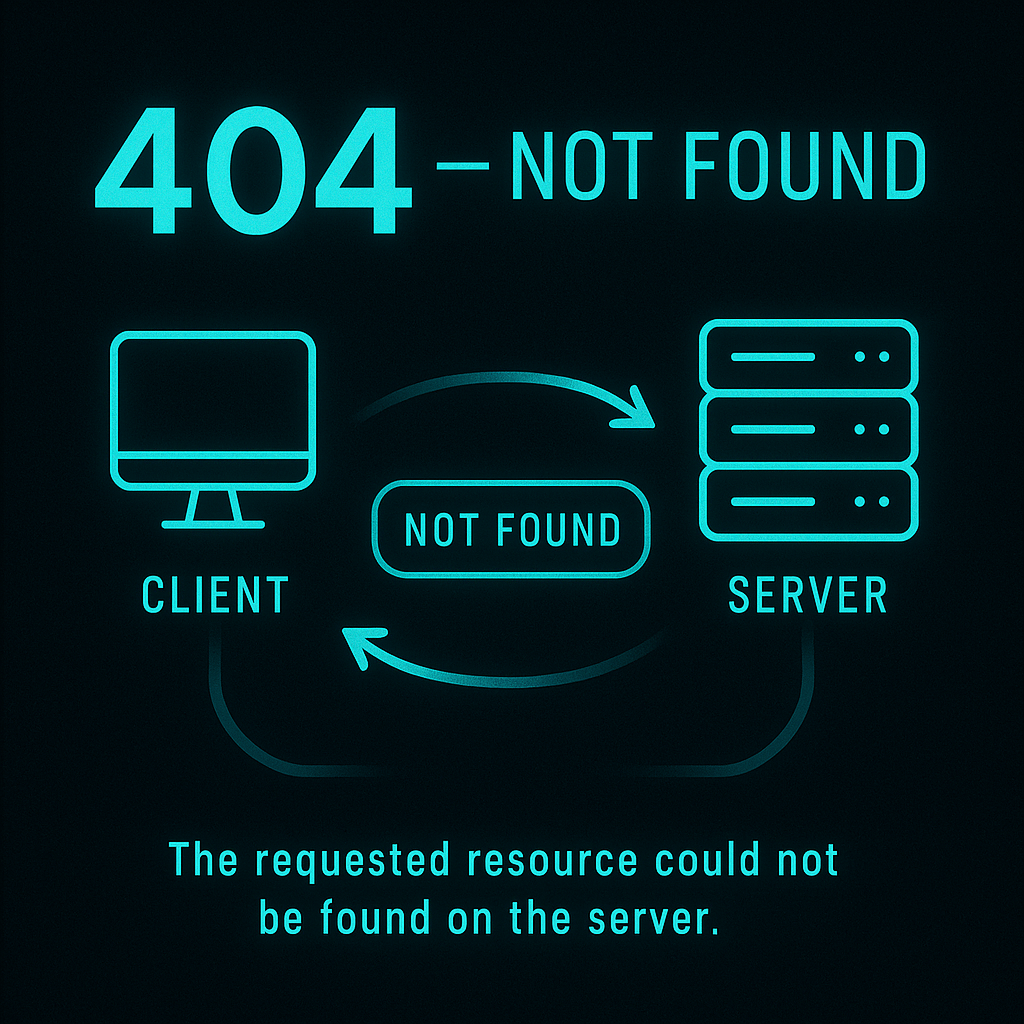
The requested resource doesn’t exist or is unavailable.
500 — Internal Server Error
The kitchen had a problem preparing your meal.
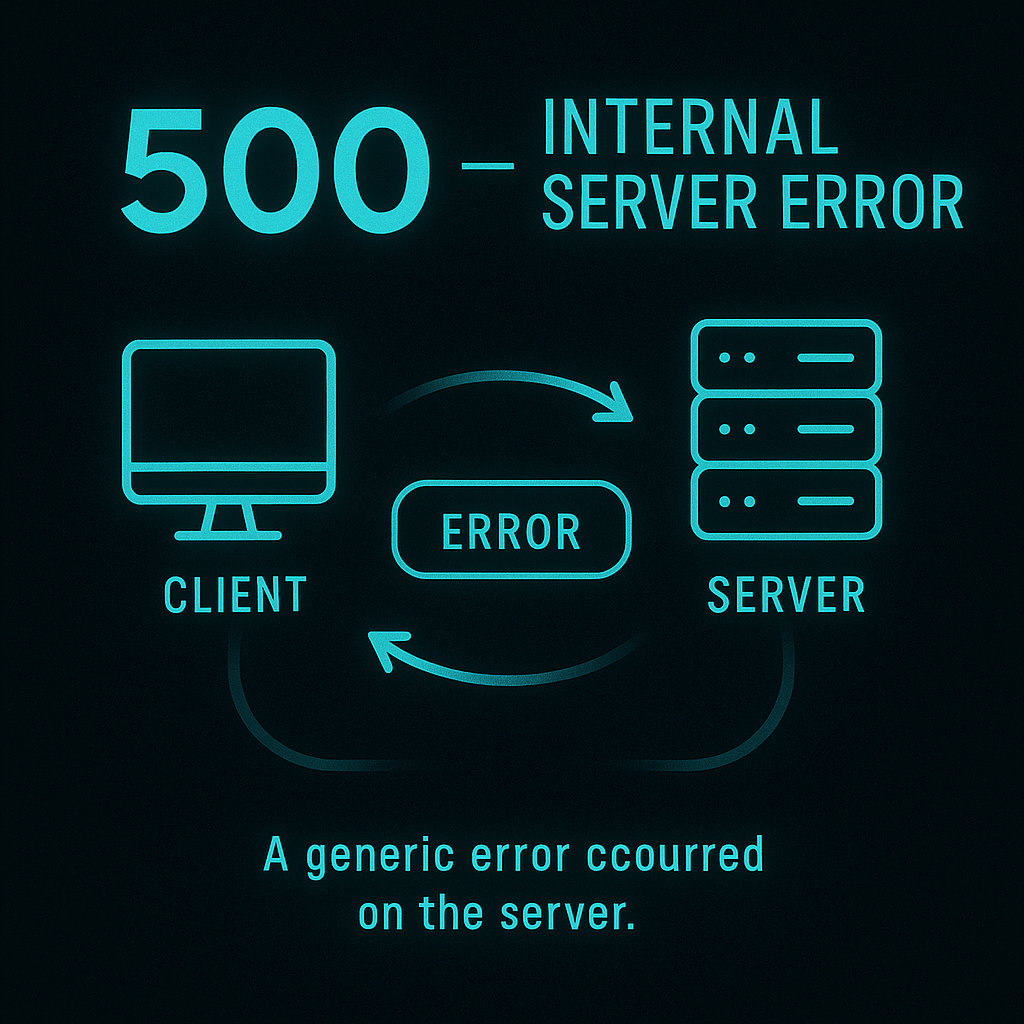
This means something went wrong on the server, not the client.
A Full Example of Request / Response Flow
Let’s walk through a user typing: https://example.com/products
Step-by-step:
- Browser: Waiter, I need /products.
- Waiter encrypts messages (HTTPS box).
- The waiter delivers orders to the kitchen.
- The kitchen looks up resources.
- Kitchen prepares HTML page.
- Waiter returns with a response:
HTTP/1.1 200 OK
Content-Type: text/html - Browser displays products.
CLI Cisco-Style, Useful for CCNA
Test web connectivity from a router
Router# ping example.com
Test HTTP service from Cisco IOS
Router# telnet example.com 80
GET / HTTP/1.1
Host: example.com
Enable HTTP/HTTPS on a Cisco device
conf t
ip http server
ip http secure-server
exit
Verify
show ip http server
Exam Tips
- Memorize the default ports
- HTTP → 80
- HTTPS → 443
- Status codes
- 200 → success
- 301 → redirect
- 404 → missing resource
- 500 → server error
- GET vs POST
- GET retrieves
- POST sends data to create
- Remember the properties
- HTTP is stateless
- HTTPS uses TLS
- Idempotency
- GET = yes
- PUT = yes
- DELETE = yes
- POST = no
- Security
- HTTPS encrypts using certificates (X.509)
- HTTPS encrypts using certificates (X.509)
Things to Memorize for the Exam
- HTTP stands for Hypertext Transfer Protocol.
- HTTPS = HTTP + TLS encryption.
- Request–response cycle structure.
- GET/POST/PUT/DELETE differences.
- Four essential status codes:
- 200 OK
- 301 Moved Permanently
- 404 Not Found
- 500 Internal Server Error
- Ports: HTTP 80, HTTPS 443.
- HTTP is stateless, text-based, and unidirectional.
Summary
HTTP is the universal waiter of the internet world, carrying requests from browsers to servers and returning responses. Think of the web as a restaurant where each request is a new order, carried by a waiter with no memory of previous visits unless additional mechanisms (cookies, sessions) are employed. HTTPS upgrades this waiter with a secure lockbox using TLS encryption, ensuring confidentiality and integrity.
We explored the request–response cycle, the role of methods like GET, POST, PUT, and DELETE, and learned the meaning behind common status codes such as 200, 301, 404, and 500. With our analogy as a unifying theme, the concepts form a clear mental model that can be used both for daily technical work and CCNA exam success.
What Did You Learn Today?
Let’s Find Out!
Instructions
- Select the correct answer for each technology concept.
- All questions pertain directly to the networking technologies explained.
- After answering, click “See Result” to see your score and feedback.
Grab the Lab and Test Your Skills
Documentation and topology (for this lab) — click here
[Return to CCNA Study Hub] — Next Stop: [Section 2 | Router Architecture, Routing Logic and Forwarding] …Available Soon!